
A couple weeks after I built Nuggets, I found myself needing a Twitter thread splitter. I’m calling it Twitter throughout this post, by the way. I never got on with the new name. lol. Maybe I should grow up but whatever. By this point I’d built two small apps with Claude Code and started seeing how far that could actually stretch. So when I hit a wall trying to grow a following on the platform, I did what I’d done before. I asked Claude to build me the tool for me.
Chasing a Following on Twitter
This was around March and April this year, when I was slowly coming back to work after years of illness. For the first time in a long time, I had a genuinely clean slate. Ten-plus years in ecommerce came before I got sick, and after a decade of that I was completely over it. Going back wasn’t an option, though I still wasn’t sure yet what I wanted instead.
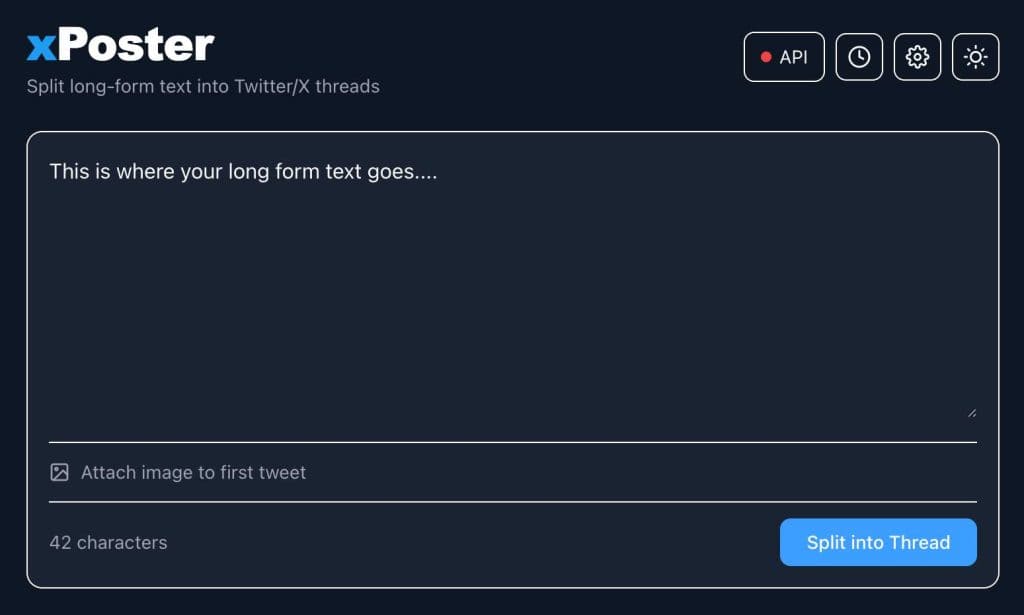
One of the first ideas I played with was building a following on Twitter. I’d noticed people doing this in every field: crypto, affiliate marketing, political commentary, and increasingly – AI. The pattern is always the same. Post useful information in your niche often enough, build an audience, become the person people trust on that topic, then monetise it through consultancy, courses, or whatever fits. I still don’t know, even writing this in September 2026, whether that’s the direction I’ll actually take. But it’s what led me to building xPoster.
Every Thread Splitter Out There Wanted a Subscription
Once I started looking at how people who’d built an audience actually posted, threads were everywhere. A long piece of writing gets split into a numbered chain of shorter posts, 1/8, 2/8, 3/8, and so on, because Twitter caps how much text fits in one post. I’d used splitter tools like this in the past, so I went looking for one again.
Two of the bigger names are Typefully and Hypefury. There are plenty of others out there, and I tried a couple of free ones too, but none of them did the job well enough. The paid options were fine. Typefully runs $99 a year and Hypefury sits between $6 and $19 a month depending on the plan. That’s not a fortune for most people. For me at that point, it might as well have been.
No Income, No Problem
I was out of work, unable to earn, and living off friends while I figured out my next move. A laptop and an internet connection were pretty much all I had. By this point I was already paying for a Claude Pro subscription, around $20 a month, and that alone was stretching my money to its absolute limit. I could only just about afford that one bill. Adding a thread splitter subscription on top of it wasn’t an option. So instead of paying for one, I did what I’d already done twice that year. I got Claude Code to build me one.
A Working Twitter Thread Splitter in Twenty Minutes
Compared to the interval timer and Nuggets, both of which came together fast, xPoster was quicker still. I had a basic version splitting text into thread-sized chunks within twenty or thirty minutes. Connecting it to the Twitter API took longer, and so did getting the actual splitting logic right, but the slow part wasn’t Claude. It was me learning how to describe exactly what I wanted.
I was still new to Claude Code at this stage, and I hadn’t yet learned how specific you need to be. Vague instructions get you a vague result. Once I got better at spelling out exactly what I meant, xPoster came together over a few more hours. That meant proper thread splitting, a working Twitter API connection, and scheduling, so a thread could be queued up and posted automatically rather than fired off right away.
Making It Look Right, and Actually Work
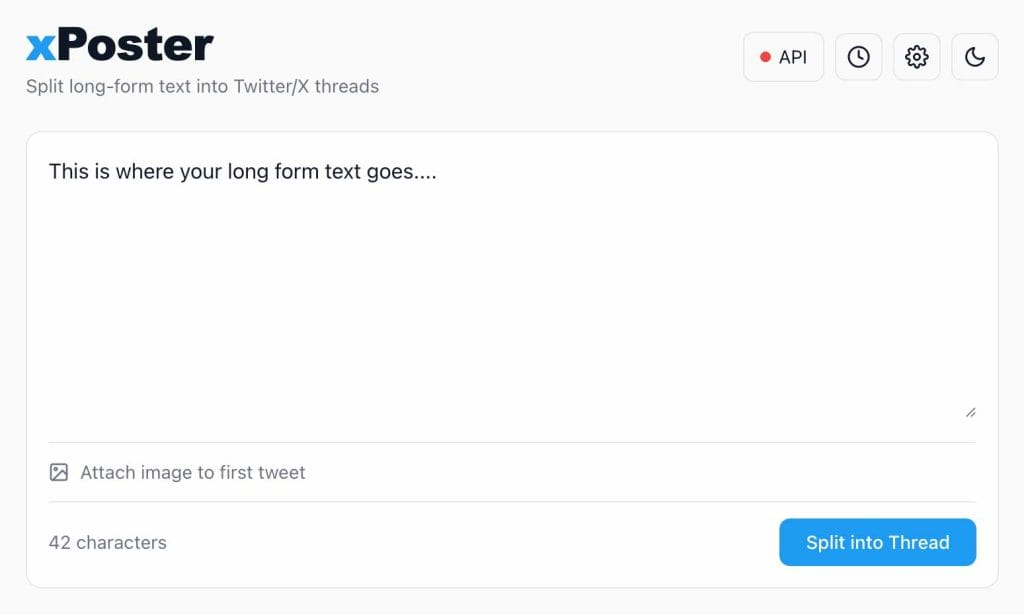
The pattern by now was familiar. Getting the basics running with Claude is always the fast part. What takes the time is everything else: making it look decent on screen, then using it properly and noticing the small things that aren’t quite right yet. xPoster ended up with a proper dark and light mode toggle, which is a small detail on paper, but it’s exactly the kind of thing that makes an app feel finished rather than thrown together. If an app only does 80% of what I pictured, that’s not good enough for me. I want the full 100%, and getting there is where the hours go. Once it was up and running, I gave it a proper test drive. It worked really well. Mostly.
One thing came up once I actually started posting threads instead of just building the app. A Twitter profile made up of nothing but text-only posts looks pretty flat scrolling through it. So I went back in and added the ability to attach an image to the first tweet in a thread, which took a bit of trial and error to get working properly. xPoster now recommends 1200x675px, a 16:9 landscape crop, under 5MB, and JPEG or PNG for the cleanest results. It’s a small addition, but it makes a real difference to how a thread looks in someone’s timeline.
The Cent That Explained the Subscription
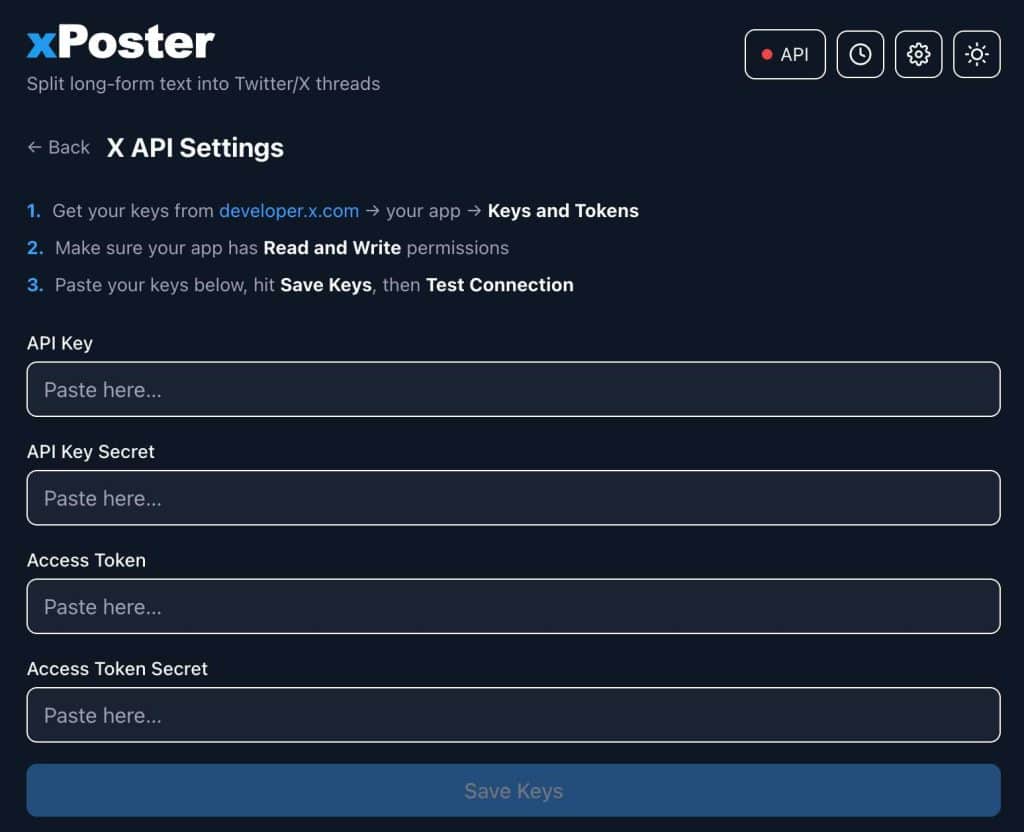
Once xPoster could actually post, I plugged in my Twitter developer credentials and found out something that reframed the whole thing. Twitter’s own API pricing page lists $0.015 per post created. Posting an eight-tweet thread through my own app cost twelve cents. Total.
That’s when the subscription prices made sense. Typefully and Hypefury aren’t just charging for the splitting logic. They’re covering hosting, support, and their own margin on top of API costs that are genuinely tiny. Posting one eight-tweet thread a day for a month comes to about $3.60. Even at three threads a day, every single day, that’s still under $11 for the month, nowhere near what these paid tools charge. xPoster wasn’t even hosted anywhere either. It just ran locally on my laptop, so there were no server costs on top.
Money Wasn’t the Barrier Anymore
This is the bit that stuck with me more than the app itself. I was skint, with no income and no real prospects lined up yet. But needing a tool and not being able to afford it stopped being a problem, because I could just describe what I needed and Claude Code would build it. That’s true of Nuggets, the interval timer, and now xPoster. As long as I can explain clearly what I want, the cost of actually having it barely exists anymore.
I tried plenty of alternatives while all this was happening, and mostly they worked well enough. But building my own meant I understood exactly what it did, why it cost what it cost, and I never had to think about a monthly subscription again.
Frequently Asked Questions
What is xPoster?
xPoster is a free, self-hosted twitter thread splitter and auto-poster. Paste in a longer piece of writing and it splits it into a numbered thread, then posts or schedules it straight to your Twitter account.
Is xPoster really free?
Yes. There’s no subscription and no fee to me. You’ll pay Twitter directly for API usage, which for most people works out to a few cents a week.
Do I need to know how to code to use it?
No. You’ll need your own Twitter developer account and API keys to connect it, but using the app day to day is just pasting in text and hitting post.
Can I schedule threads instead of posting immediately?
Yes. xPoster lets you queue a thread up and have it post automatically at a time you choose.
Can I add an image to a thread?
Yes. You can attach an image to the first tweet in a thread. xPoster recommends 1200x675px, a 16:9 landscape crop, under 5MB, in JPEG or PNG for the cleanest results.
Try xPoster for Free
xPoster is free to download from my Gumroad page. It’s self-hosted, so you run it yourself and connect it to your own Twitter developer account. There’s no subscription and no fee to me. The only cost is whatever you spend on API calls, and you can watch that spend yourself down to the cent. If you’re after a free twitter thread splitter that does the same job as the paid tools, give it a try.
See you in the next post!
~ Dan